Family activities Available on Google Play
little wins
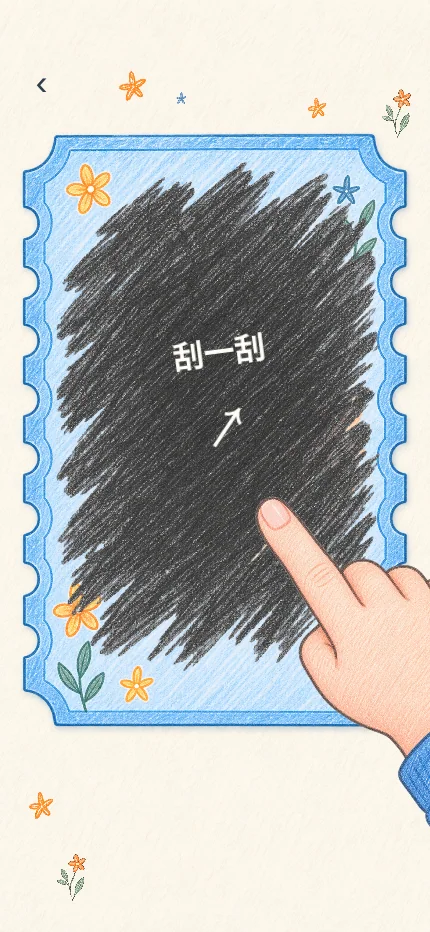
Parents set tasks and prizes. Children complete tasks and scratch cards to reveal their rewards.
- Custom tasks and prize pools
- A family reward shop using little flowers
- Separate parent and child views


How to play
- 1
Set tasks and rewards
Parents choose a task, its frequency and the reward for completing it.
- 2
Submit a completed task
Children submit the task to receive its configured reward immediately.
- 3
Scratch and redeem
Scratch a card to reveal the prize. Parents fulfill physical prizes and shared activities.
Screenshots
Scroll to see more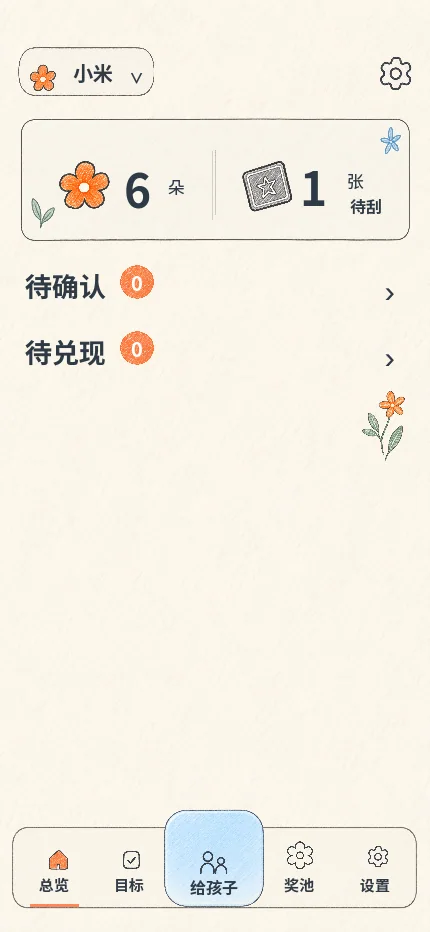
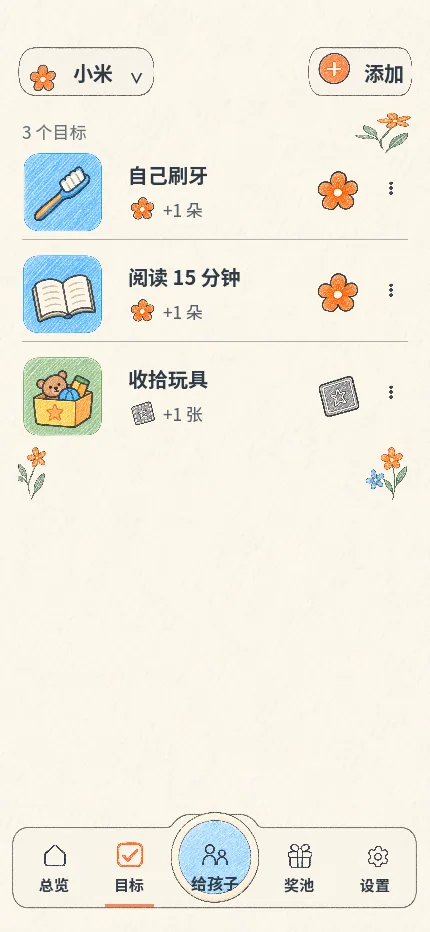
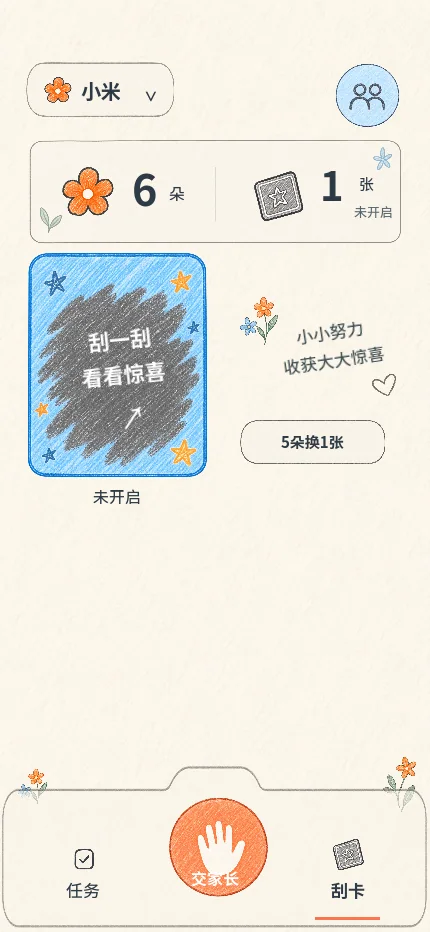
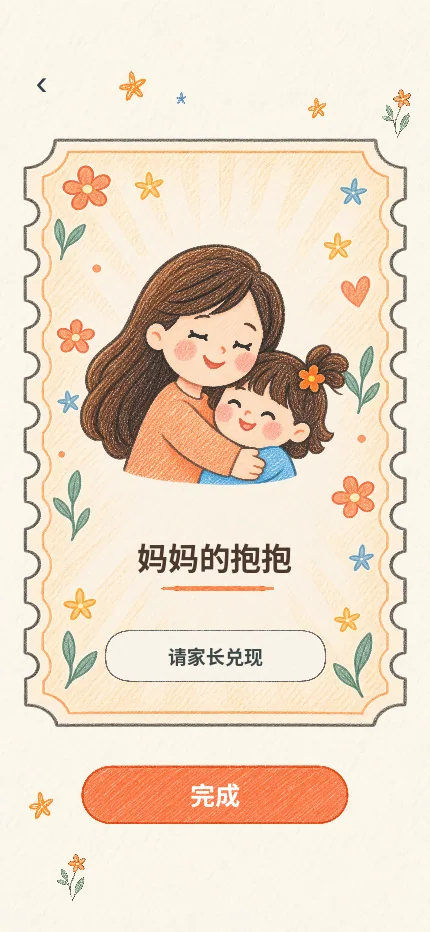
Screenshots show an earlier development build. The current cloud version adds accounts and shared family access.
App information
- Platform
- Android · available on Google Play
- Connection & account
- Registration and internet access are required in the cloud version.
- Data
- Family tasks, rewards and redemption records are stored on the server.
- Language
- 12 interface languages, including English, Chinese, Spanish, French, German, Portuguese, Japanese, Korean, Russian, Arabic and Hindi. Custom family content is not automatically translated.
FAQ
Does reopening a card change the prize?
No. The first scratch locks the prize. Reopening the card keeps the same result.
How do family members share tasks?
An administrator can add co-parents who share the family’s tasks, prize pool and reward shop.
All games →
Updated: